Choose a robotic arm from the complete tool load and required working poses, not from payload and an overall dimension alone. The object, gripper, adapters and their mass distribution all matter, while a reachable point may still be unusable if the tool cannot approach it in the required orientation.
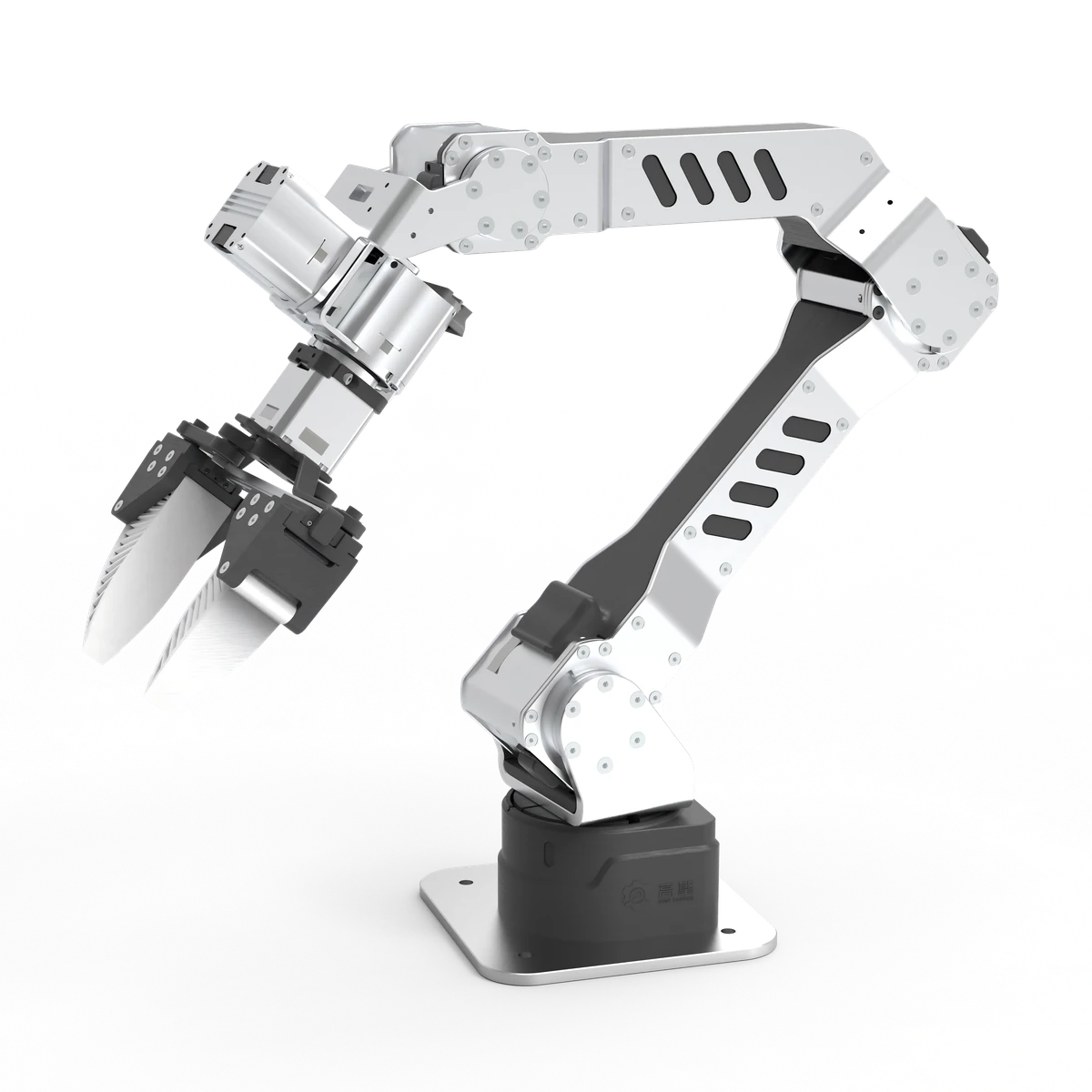
For XTIVOR buyers, XTR-A600 provides a six-axis option with a catalog maximum payload of 3.5 kg. Its listed 860 mm standing dimension is an overall dimension; it should not be substituted for a verified reach or workspace specification.
Calculate what is attached to the tool flange
A useful first step is to make a complete list of attached masses. Include the gripper, adapter plate, sensor, workpiece and any other tooling that moves with the end of the arm.
Consider this hypothetical setup:
| Attached item | Example mass |
|---|---|
| Gripper | 0.60 kg |
| Adapter and sensor | 0.25 kg |
| Workpiece | 1.40 kg |
| Total | 2.25 kg |
The total is more informative than the 1.40 kg workpiece figure, but it still does not qualify a robot for the task. Confirm which supplied tooling is included in the manufacturer's payload definition, along with the center of gravity and permitted operating conditions.
Universal Robots' maximum-payload documentation illustrates why tool mass, workpiece mass and center-of-gravity offset must be considered together. Its model-specific limits must not be transferred to an XTIVOR arm.
Center of gravity changes the load case
Two tools with the same mass can load the robot differently if one places that mass farther from the flange. A long bracket or extended gripper changes the moment applied at the wrist and may also alter inertia during rotation.
Send a drawing that shows both the mounting interface and the approximate location of the combined center of gravity. If the workpiece changes position during the task, describe the different load states rather than supplying only an average mass.
An example quotation request might say: “The attached assembly is approximately 2.25 kg when loaded; the center of gravity is about 120 mm from the flange along the tool axis.” This is a clearer starting point than “We need a robot for a 1.4 kg part,” although the final values still need verification.
Reach is a task-space question
List the poses the tool must visit: pickup, approach, transfer, placement and withdrawal. Include orientation as well as position, and identify any obstacles around the path.
A maximum reach describes a geometric limit under particular definitions. It does not describe every position and orientation available within that distance, nor does it establish obstacle clearance or payload capability throughout the workspace.
For a table-mounted prototype, provide the robot base location, table height, part locations and tool length. Ask for a workspace or motion review using the proposed geometry before ordering mounting hardware.
Keep catalog dimensions separate
| XTIVOR catalog entry | What it currently describes | What to request for task selection |
|---|---|---|
| XTR-A600: 860 mm | Standing dimension | Confirmed kinematic geometry and usable workspace |
| XTR-A600: 460 mm | Folded dimension | Required installation and storage clearances |
| XTR-A700: 1,596 mm | Arm span | Definition of span and reach of the quoted configuration |
| XTR-A700: 689 mm | Hanging dimension at zero | Mounting reference, geometry and working-pose limits |
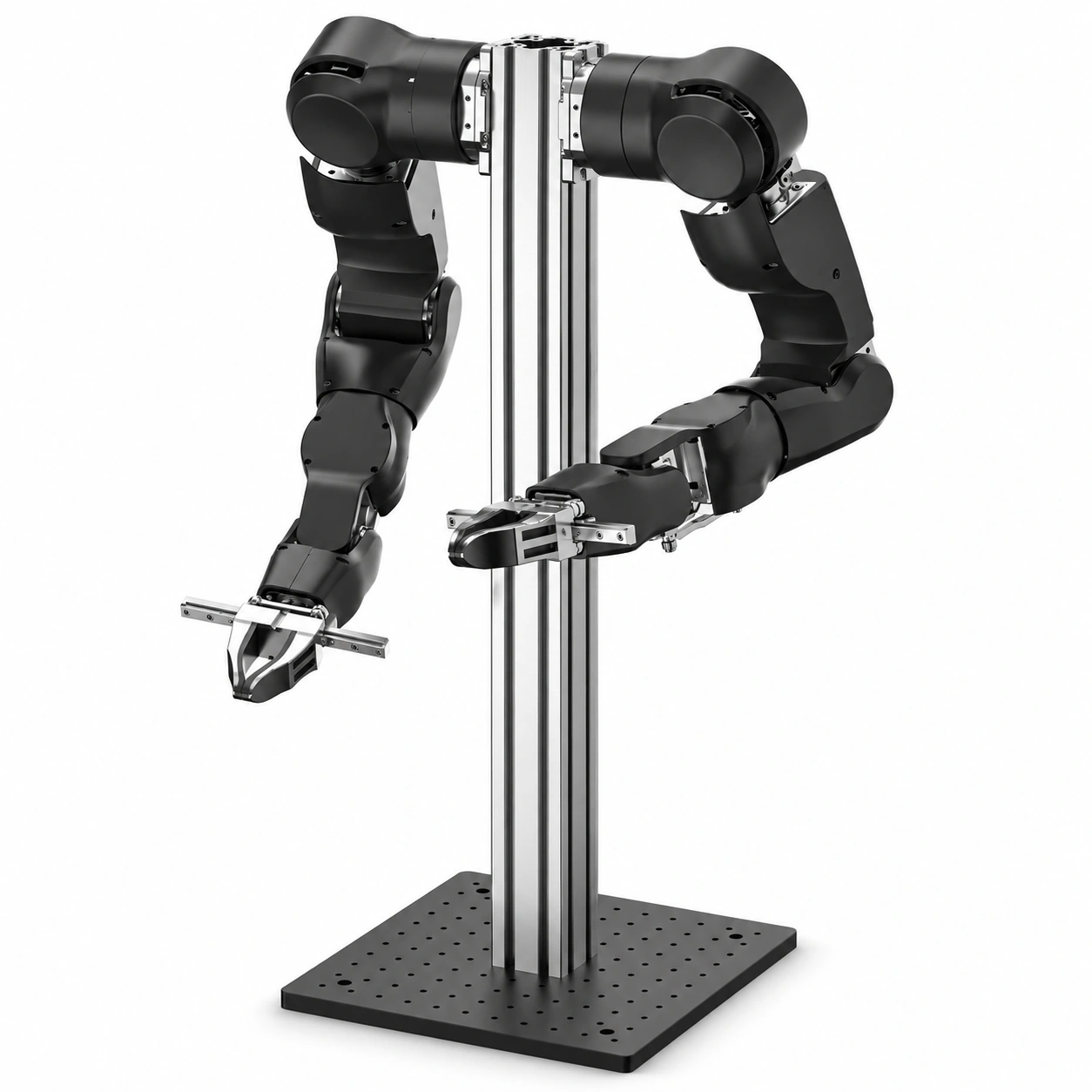
Do not halve an arm-span number to invent a per-arm reach, or assume an image shows the exact package offered. Ask for the installation drawing and the configuration definition.
Check the motion cycle, not just maximum speed
Describe the trajectory and the time available for the complete task. Acceleration, deceleration, waiting for a grasp, releasing the part and avoiding obstacles all contribute to cycle time.
The maximum end-effector speed in a catalog is not a demonstration of your application's throughput. If timing is critical, agree on a representative trial with the same load, tooling, path and controller settings as the proposed system.
Similarly, separate accuracy requirements from general movement capability. State the required placement tolerance and repeatability, then ask for the relevant specification or test evidence rather than inferring it from axis count.
Compare A600 and A700 around the task
XTR-A600 lists six axes, a 3.5 kg maximum payload, CAN FD and a single-DOF gripper. It is a candidate for evaluating a single-arm manipulation layout once the payload definition and working poses are checked.
XTR-A700 lists seven axes and a maximum payload of 5 kg per arm in the product description. Confirm whether the quotation supplies one or two arms and which grippers, controllers and mounting parts are included; a higher listed payload does not resolve the other task requirements.
A task brief that supports an accurate quotation
- A sketch showing the base, pickup and placement locations.
- Tool and workpiece masses, with center-of-gravity information.
- Required approach angles, tool length and obstacles.
- Motion sequence, target cycle time and accuracy requirements.
- Host software, sensors and integration responsibilities.
- Quantity, destination and the required delivery window.
Frequently asked questions
Does a 3.5 kg maximum payload mean I can move any 3.5 kg object?
No. Tooling, mass distribution, working pose and motion conditions need to match the applicable limits.
Is reach the same as the arm's standing height?
No. Use the specified workspace and kinematic geometry, with the tool and mounting arrangement included.
Should I buy the longest arm available?
Choose the geometry that covers the actual task. A larger arm may change the mounting needs, occupied space and system design without providing a benefit for your layout.
Send XTIVOR your working layout
Explore robotic manipulation applications and email jennie@xtivor-robot.com with your task brief. Request a configuration-specific quotation and volume purchasing information.